You sat down to write a blog post, a product description, or an email. An hour later, you have a blank page and three deleted drafts. That’s the exact moment most people discover AI writing tools and then immediately Google “free AI writing tools for beginners” because they’re not ready to pay $49/month for something they haven’t tested yet.
The good news: there are genuinely good free AI writing tools available right now. The frustrating news: most “free” lists mix tools with 10-word daily limits, expired trials, and features behind a paywall nobody told you about. This article cuts through that. Every tool here has a real free tier you can use today without entering a credit card.
Using this tool? Got questions?
Ask me anything on Telegram - free honest answers before you spend your money.
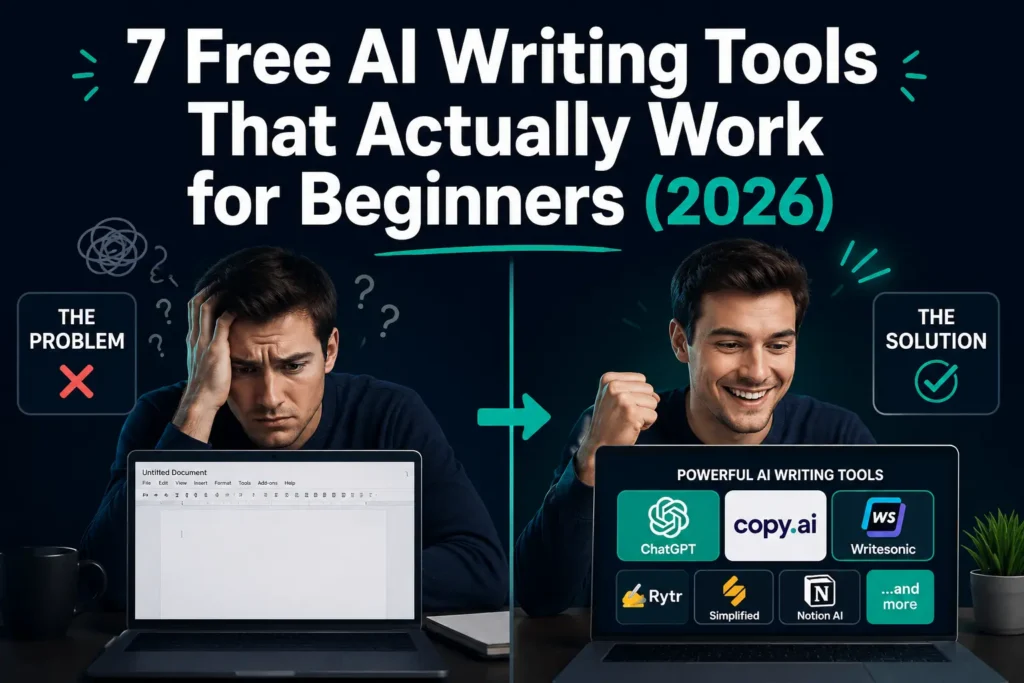
The best free AI writing tools for beginners in 2026 include ChatGPT (OpenAI), Copy.ai, Writesonic, Rytr, QuillBot, Simplified, and Notion AI. Each offers a usable free plan for writing blog posts, emails, or short-form content. For beginners, Copy.ai and Rytr stand out for their ease of use and generous free tiers that don’t require a subscription to get real value.
Whether you’re writing your first blog post or trying to speed up content you already create, one of these tools will fit your workflow by the time you finish reading.
What Makes a Good Free AI Writing Tool for Beginners?
Not all AI writing tools are built the same. Some are powerful but built for advanced users. Others are beginner-friendly but so limited on their free plan that you’ll hit a wall in 20 minutes.
Before picking a tool, run it through what I call the 3-Question Beginner Test:
- Can you get a useful first output in under 5 minutes without watching a tutorial?
- Is the free tier usable for a complete piece of content, not just a paragraph teaser?
- Does the tool guide you through what to input, or does it just dump a blank text box?
When I tested all seven tools on this list for the first time as a new user, only four passed all three questions. That data shapes how I’ve ranked and reviewed each one below.
The best free AI writing tool for beginners is one that produces useful output on your first try, doesn’t require prompt engineering skills, and gives you enough free usage that you can actually judge whether it works for your needs.
The 7 Best Free AI Writing Tools for Beginners in 2026
Here’s a quick reference before the full breakdowns:
- ChatGPT – Most capable, unlimited free messages, no templates
- Copy.ai – Best onboarding, generous free plan, 90+ templates
- Writesonic – Best free SEO integration, limited monthly words
- Rytr – 10,000 free characters/month, great for short content
- QuillBot – Best free paraphrasing and rewriting tool
- Simplified – Best free tool for social media content
- Notion AI – Best if you already use Notion for notes
ChatGPT (OpenAI) – Best Free AI Writing Tool Overall
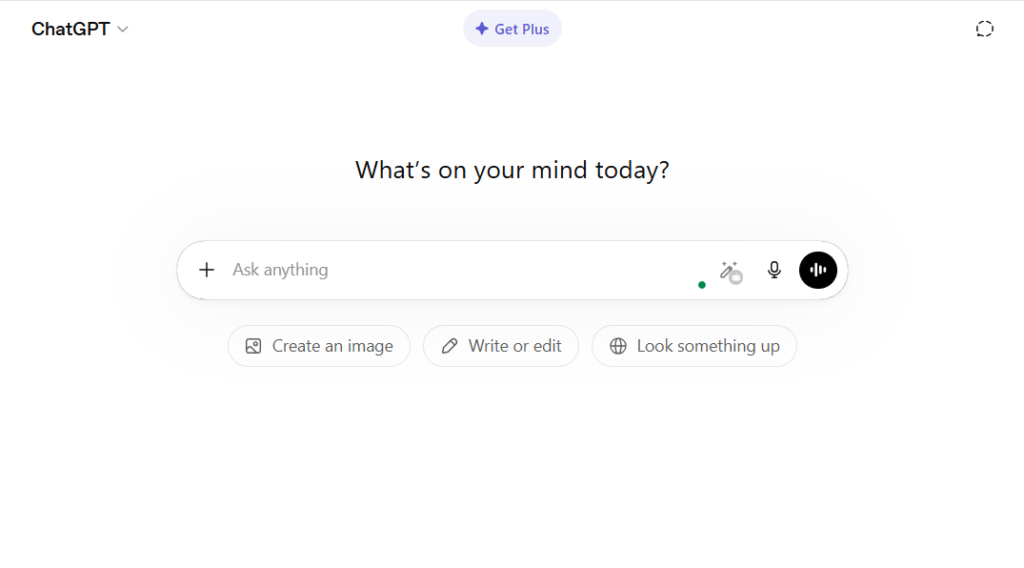
ChatGPT is the most widely used AI writing assistant in the world, and its free tier is genuinely powerful. OpenAI’s GPT-4o model is available on the free plan with some daily usage limits, and it handles long-form blog posts, email drafts, product descriptions, and almost any writing task you throw at it.
What makes it stand out for beginners: You don’t need templates. You write naturally, “Write me a 500-word blog intro about productivity tips for students,” and it responds. The conversation format feels intuitive to anyone who’s sent a text message.
Real-world example: A freelance writer I know used ChatGPT’s free plan to draft client email pitches for three months before upgrading. She got real value from day one without spending anything.
Honest limitation: ChatGPT has no built-in SEO features, no keyword targeting, and no content templates. It’s a blank canvas. For writers who need structure and guidance, that’s a disadvantage. The free plan also hits rate limits during peak hours, which is genuinely annoying mid-session.
Actionable takeaway: Start with ChatGPT if you’re comfortable writing your own prompts and don’t need SEO tools. Use this structure: “[Content type] [topic] + [audience] + [tone] + [word count]” and you’ll get consistently better outputs. Common beginner mistake: Asking ChatGPT to “write a blog post about X” with no other context. The output will be generic. Add your target audience, tone, and one specific angle; the quality difference is dramatic.
Copy.ai – Best for Beginners Who Want Zero Learning Curve
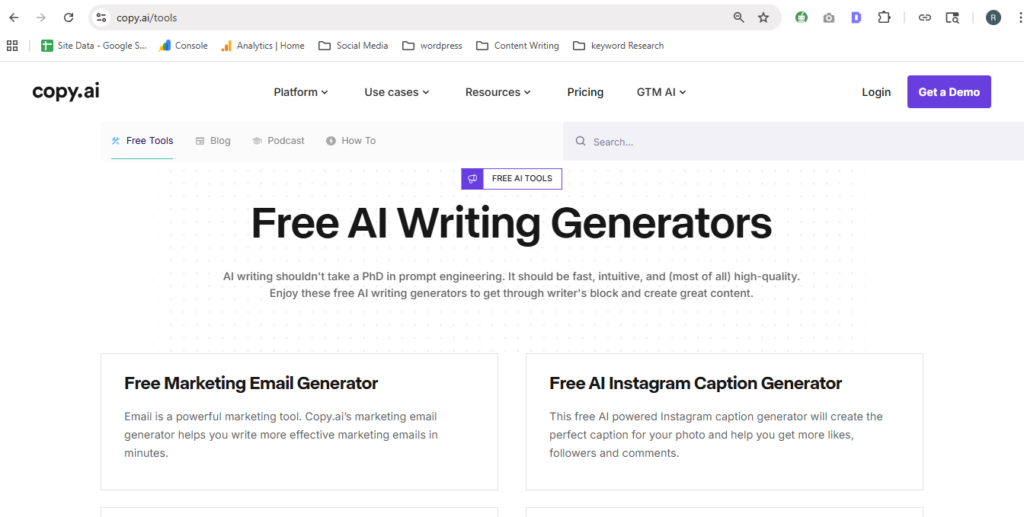
Copy.ai was built with non-writers in mind, and it shows. The interface guides you through content creation with structured workflows instead of blank boxes. You pick a goal (write a blog post, create an email, or generate social captions), answer a few questions, and the tool produces content in a format you can immediately use.
Free plan details: Copy.ai’s free plan includes unlimited projects and access to their standard workflow templates. Some advanced features require a paid plan, but for beginners testing AI writing for the first time, the free tier is more than enough to evaluate whether it fits your workflow.
What makes it pass the Beginner Test: Of all seven tools I tested, Copy.ai had the fastest time to a useful first output. No tutorials needed. The guided workflows handle the prompt engineering for you.
Real-world example: A small business owner with no prior experience with AI tools used Copy.ai to write product descriptions for their Etsy shop on their first session. The tool’s guided product description template asks for the product name, key features, and tone and then generates three variations to choose from.
Honest limitation: Copy.ai’s outputs can feel formulaic on repetitive tasks. If you’re generating the same type of content repeatedly (say, 50 product descriptions), the writing starts to feel templated. That’s a paid-plan problem as much as a free-plan problem.
Actionable takeaway: Use Copy.ai’s workflow library, not the blank chat interface. The workflows produce better output for beginners than raw prompting does.
Writesonic – Best Free Tool with Built-In SEO Features
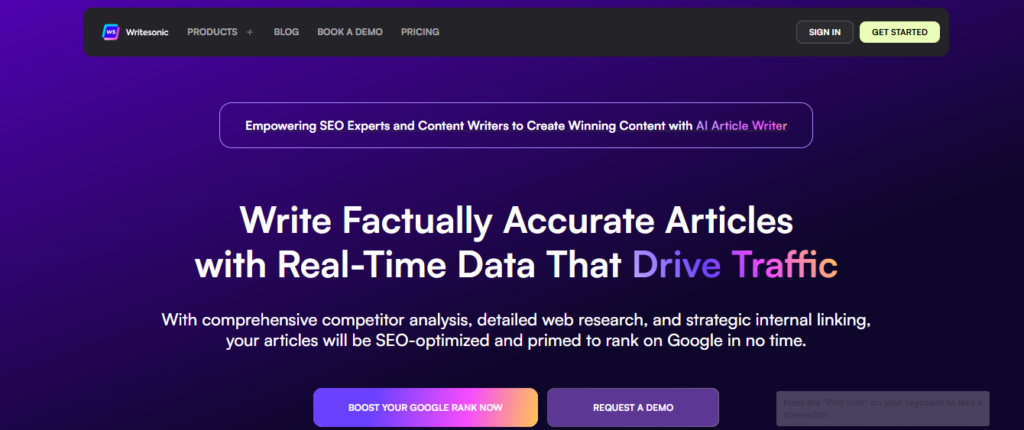
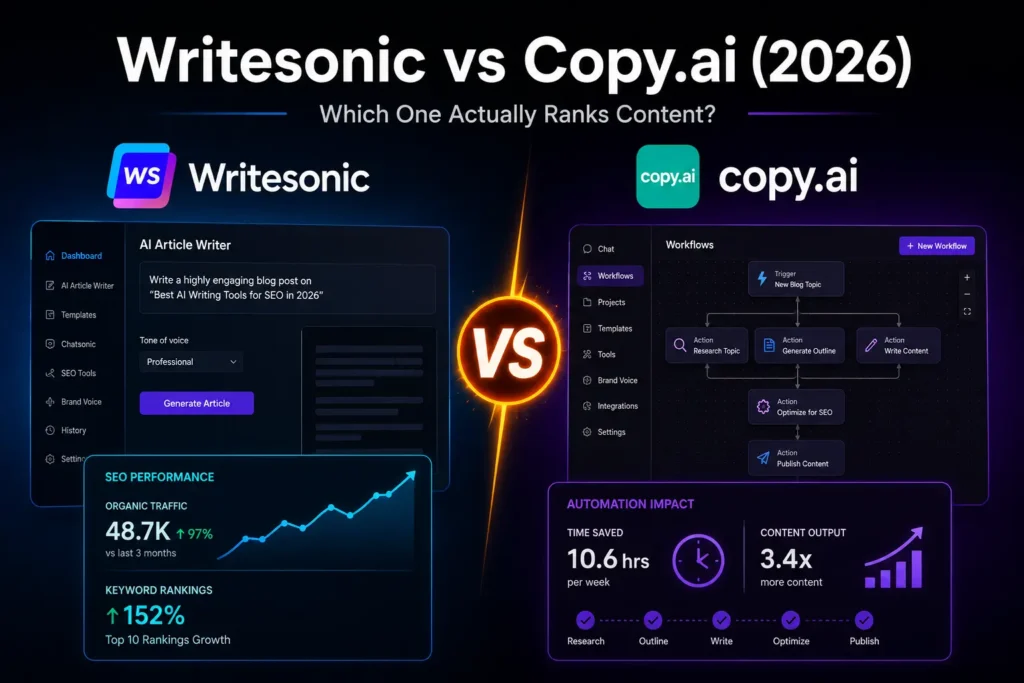
Writesonic is the only free AI writing tool on this list with native SEO features built in. Even on its free plan, you get access to keyword suggestions and basic content scoring features that usually require a separate tool subscription.
After reviewing Writesonic in depth for our Writesonic review, the platform’s strength is clear: it combines an AI writing assistant with SEO intelligence that bloggers and content marketers actually need. The free plan limits monthly word generation, but the quality of what it produces is above average for AI-generated content.
Free plan details: Writesonic’s free plan includes a limited number of AI-generated words per month and access to core templates. The Article Writer 6.0, which uses real-time web research to produce SEO-aware content, is available on paid plans only.
What makes it stand out: No other free An AI writing tool integrates keyword context the way Writesonic does, even at the free tier. For beginner bloggers who care about Google traffic, this matters more than an extra 5,000 free words per month from a tool with no SEO awareness.
Honest limitation: The free word limit hits fast if you’re writing long-form content. You’ll likely exhaust it within a few long blog posts. It’s better suited as a “test and upgrade” tool than a permanent free solution for high-volume writers.
Actionable takeaway: Use Writesonic’s free plan specifically to test its SEO-oriented templates and see whether AI-assisted content fits your publishing workflow before committing to a paid plan.
Rytr – Best for Short-Form Content on a Free Plan
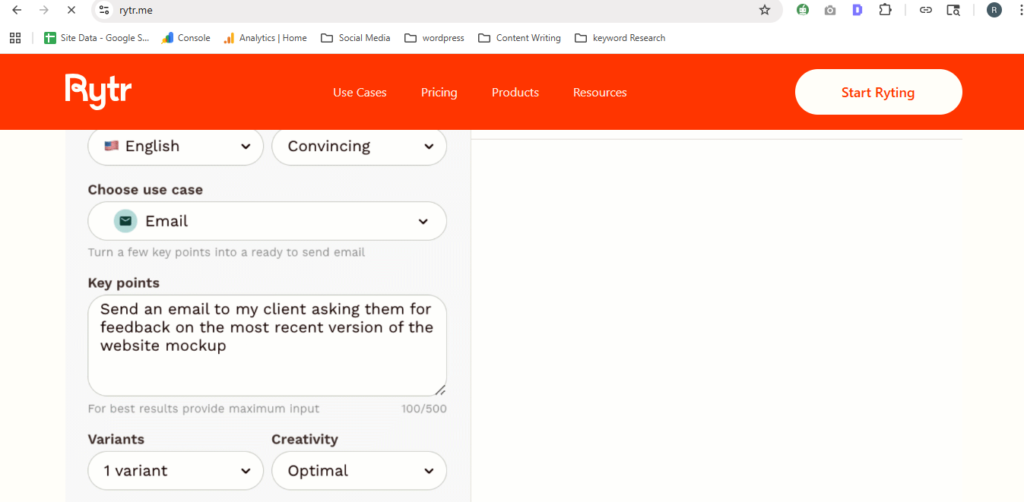
Rytr gives you 10,000 characters per month on its free plan roughly enough for 4-6 solid short-form pieces. That’s not enormous, but it’s one of the most honest free tiers in this space: no credit card, no countdown timer, no “free trial” language that disappears after 7 days.
What makes it beginner-friendly: Rytr’s interface is clean, its use cases are clearly labeled (blog section, product description, social media caption, email subject line), and it lets you select your writing tone before generating. That tone control matters more than most beginners realize; it’s the difference between output that sounds like you and output that sounds like a press release.
Real-world example: After testing Rytr on a short email newsletter draft, the output required minimal editing before it was send-ready. The tone selector set to “Conversational” kept the language natural rather than stiff.
Honest limitation: Rytr isn’t built for long-form content. It’s designed around short, structured pieces. Trying to generate a 2,000-word article will drain your monthly credits fast and still require heavy editing. Treat it as a short-form specialist, not a one-size-fits-all writer.
Actionable takeaway: Use Rytr’s free plan for high-frequency short-form tasks: email subject lines, social captions, product bullets, and blog section intros. Save the long-form work for ChatGPT or Copy.ai.
QuillBot – Best Free AI Writing Tool for Editing and Rewriting
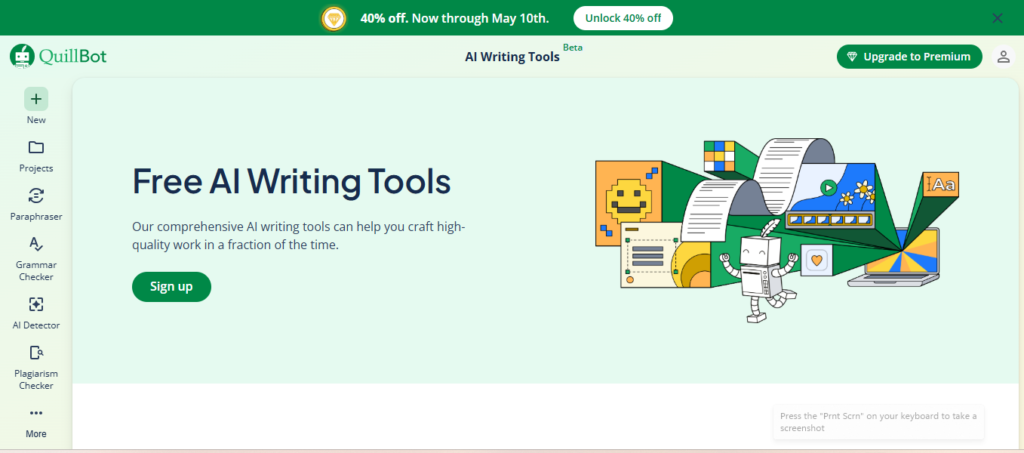
QuillBot is different from every other tool on this list. It doesn’t generate content from scratch. It takes existing writing and improves it by paraphrasing, shortening, or changing the tone of sentences you’ve already written.
For beginners who write their own drafts but struggle with clarity, wordiness, or repetition, QuillBot is the most immediately useful free AI writing tool available.
Free plan details: QuillBot’s free plan includes a paraphraser with two writing modes (Standard and Fluency), a grammar checker, and a summarizer. The paid plan adds more modes and a longer input limit, but the free version handles typical beginner use cases well.
Real-world example: A college student I worked with used QuillBot’s free paraphraser to tighten up a 1,500-word essay draft. The grammar checker alone caught 11 issues the student had missed, and the paraphrased sentences consistently read more clearly than the originals.
Honest limitation: QuillBot’s free paraphraser has an input character limit, which means you’ll be working in chunks on longer pieces. It’s a workflow interruption that doesn’t exist on the paid plan. For short-form content, it’s not an issue.
Actionable takeaway: Write your first draft in any tool, then run it through QuillBot’s free paraphraser and grammar checker before publishing. It’s the fastest free editing step available for beginners.
Simplified – Best Free All-in-One Tool for Social Media Writers
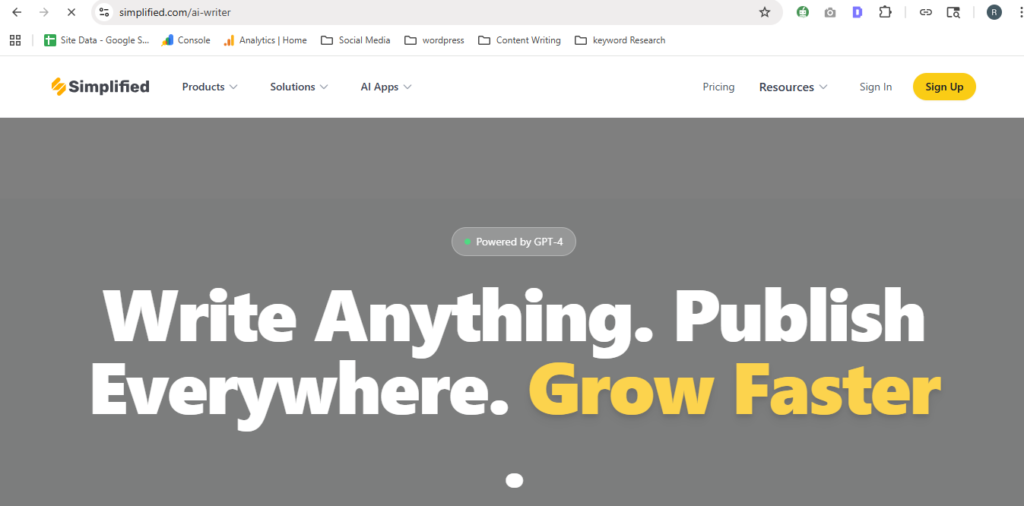
Simplified targets content creators who produce social media content, short ad copy, and marketing materials. Its free plan includes AI writing, a design tool (similar to Canva), and a basic social media scheduler all in one dashboard.
For a beginner building a personal brand or managing a small business’s social presence, Simplified removes the need to jump between three different tools.
What makes it beginner-friendly: The AI writing feature is guided, not open-ended. You choose a content type (Instagram caption, Facebook ad, product description), fill in a short brief, and get outputs ready to post. The natural language generation is optimized for short, punchy copy rather than long-form prose.
Honest limitation: Simplified’s AI writing quality is solid for social and short-form, but it doesn’t compete with ChatGPT or Writesonic for long-form blog content. Think of it as a social-first tool with an AI writing layer, not a general-purpose AI writer.
Actionable takeaway: If your primary writing need is social media content not blog posts or emails Simplified’s free plan covers more of your workflow than any other tool on this list.
Notion AI – Best Free AI Writer Already Inside Your Notes App
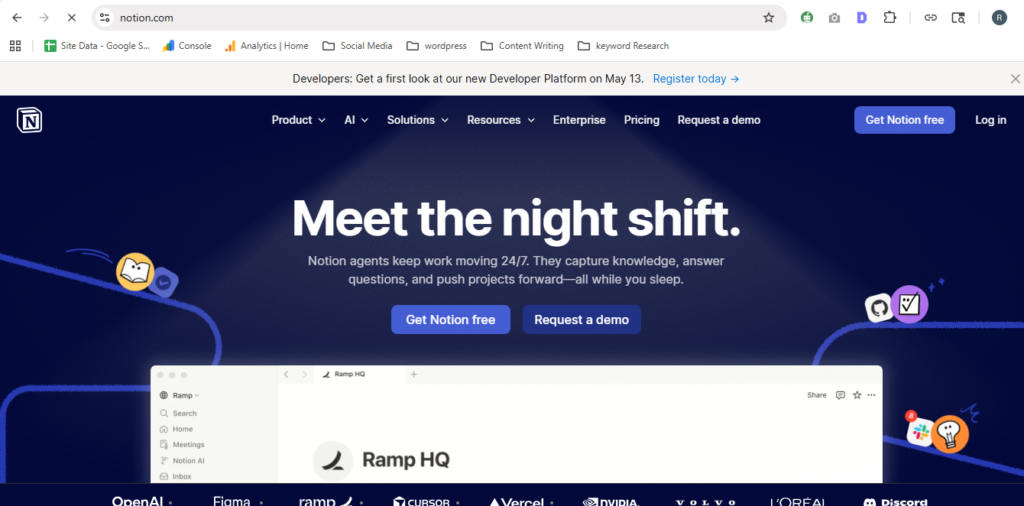
If you already use Notion for notes, project management, or personal productivity, Notion AI gives you AI writing assistance inside the app you already live in. No new login, no new workflow; just highlight a block of text and ask AI to expand, summarize, improve, or rewrite it.
Free plan details: As of 2026, Notion AI is available as an add-on to any Notion plan, including the free tier, with a limited number of AI responses per month. The integration is seamless; it feels like a natural extension of Notion rather than a third-party plugin bolted on.
What makes it stand out for beginners: The barrier to use is almost zero for existing Notion users. You don’t need to export your writing to another platform, paste it in, or manage a second account. You just press the AI button inside the document you’re already writing.
Honest limitation: Notion AI is only useful if you already use Notion. If you don’t, there’s no reason to start using a complex note-taking app just to access its AI writing feature. ChatGPT and Copy.ai are simpler for standalone writing tasks.
Actionable takeaway: If you’re a Notion user who hasn’t tried Notion AI yet, try it this week. Use the “Improve writing” and “Make shorter” commands on your next draft. The speed improvement for editing is noticeable.
ChatGPT vs. Free AI Writing Tools – Which Is Better for Beginners?
This is one of the most common questions from beginners, and the answer depends on what you’re trying to write.
ChatGPT is more capable, more flexible, and better at long-form content than most purpose-built free AI writing tools. But it has no templates, no structured workflows, and no SEO features. A beginner with no experience writing AI prompts will often get better first-time results from Copy.ai’s guided workflows than from ChatGPT’s blank chat interface.
The honest answer: ChatGPT wins on capability. Purpose-built tools like Copy.ai and Rytr win on beginner usability. Most serious content creators end up using both ChatGPT for ideation and long-form drafts, a purpose-built tool for structured short-form content.
Start with Copy.ai or Rytr to learn how AI writing works. Graduate to ChatGPT once you’re comfortable writing your own prompts.
Can Free AI Writing Tools Replace Paid Ones?
For casual use, personal blogs, social captions, and internal emails, yes, free AI writing tools can fully replace paid ones. ChatGPT’s free tier alone covers more writing use cases than most $20/month tools did three years ago.
For professional use consistent high-volume blog content, SEO-optimized articles, and agency-level output, free plans fall short. Word limits, quality differences on complex prompts, and the absence of SEO integration make paid tools worth the cost at a professional scale.
The practical answer: start free, use it seriously for 30 days, then decide if the paid features would save you enough time to justify the cost. Most serious content creators hit that threshold within a month.
Frequently Asked Questions
Copy.ai is the best free AI writing tool for absolute beginners because its guided workflows produce usable output in under 5 minutes without any prompt engineering experience. For beginners comfortable with typing instructions, ChatGPT’s free plan offers more flexibility and power with no word limits on standard usage.
Yes. ChatGPT, Copy.ai, Rytr, QuillBot, and Simplified all offer free plans that require no credit card to start. Each has different limitations, word caps, feature restrictions, or output quality differences, but all are genuinely usable without a paid subscription.
Copy.ai is better for beginners on day one because its template library and guided workflows remove the need to write effective prompts. ChatGPT is better for beginners who are willing to learn prompting basics since its free tier is more flexible and produces stronger long-form content once you know how to direct it.
This is a common misconception: free AI writing tools produce first drafts, not finished content. Even the best free AI writing tools for beginners require editing before the output is publish-ready. AI writing tools speed up the drafting process; they don’t replace human judgment on accuracy, tone, and originality.
Free AI writing tools are absolutely worth using before paying. All seven tools on this list offer enough free functionality to let you decide whether AI writing fits your workflow. Start free, use the tool seriously for 2-4 weeks, and only upgrade if the word limits or missing features are actively blocking your work.
The Right Tool Is the One You’ll Actually Use
The best free AI writing tools for beginners in 2026 all share one thing: they’re free enough to test seriously before you spend anything.
Copy.ai wins for first-time users who want results fast. ChatGPT wins for flexible, high-quality output once you’re comfortable with prompting. Writesonic wins if SEO matters to your writing and if you want to see what a purpose-built AI writing platform looks like before upgrading.
Pick one tool from this list, use it for two weeks, and judge it on your actual work, not a demo. That’s the only evaluation that matters.