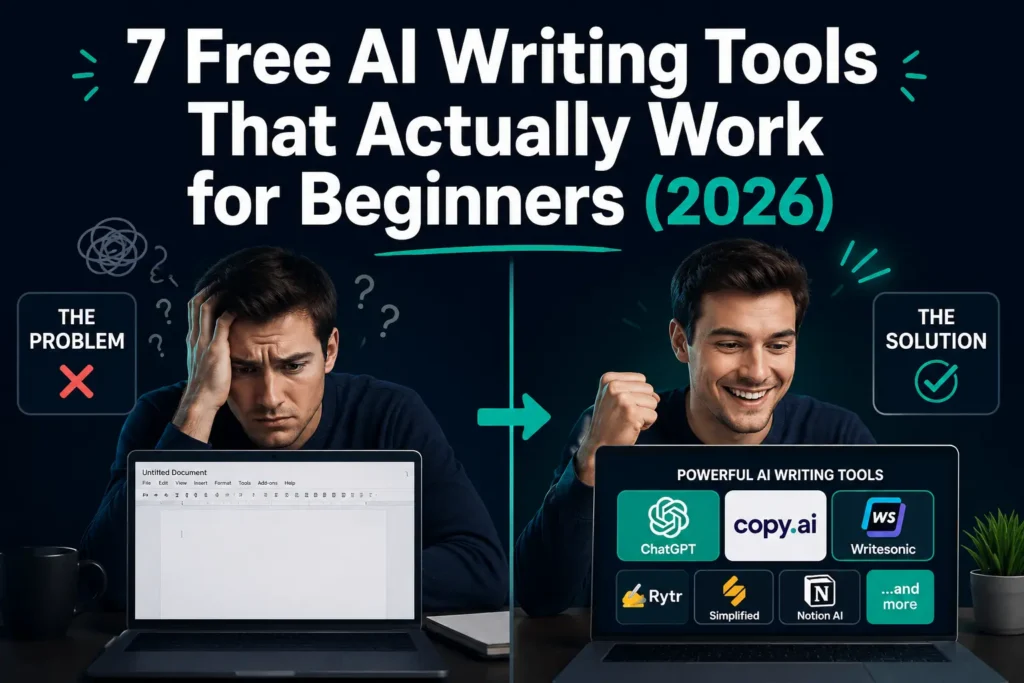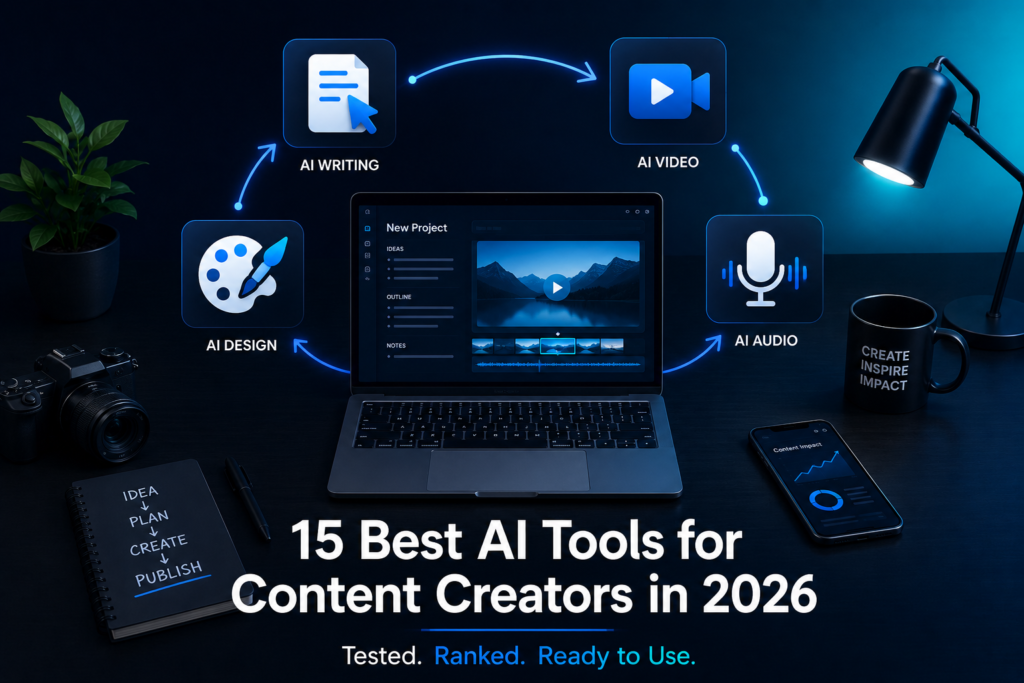
Content creators are publishing more than ever, and the ones pulling ahead aren’t working harder. They’re using AI tools that handle the repetitive, time-consuming parts of the job, freeing them to focus on what actually builds an audience: original thinking and compelling storytelling.
After testing dozens of platforms over the past year, I’ve narrowed down the best AI tools for content creators available right now. Whether you make YouTube videos, write blog posts, or run social media accounts, there’s a specific tool or a short stack of them that can meaningfully change how fast and how well you produce.
Using this tool? Got questions?
Ask me anything on Telegram - free honest answers before you spend your money.
The best AI tools for content creators in 2026 include ChatGPT for ideation and drafting, Jasper for long-form writing, Canva AI for visual design, Descript for podcast and video editing, and Midjourney for image generation. These tools cover the full content production cycle from research to publishing and suit creators across different platforms and budgets.
The right tools don’t just save time; they raise the quality ceiling of everything you produce. Here’s what’s actually worth using.
What Makes an AI Tool Worth Using for Content Creation?
Not every AI tool that gets press attention deserves a place in your workflow. I’ve tested platforms that looked impressive in demos but actively slowed production down in practice, with confusing interfaces, inconsistent outputs, and pricing structures that locked the actually useful features behind expensive tiers.
The tools that earn a permanent spot in a creator’s workflow share four traits:
- They reduce a specific, real bottleneck (ideation, scripting, editing, scheduling)
- They produce output that’s usable with minimal editing, not just a rough starting point
- They integrate with tools you already use, or are simple enough to stand alone
- Their pricing makes sense for a working creator’s budget
With that filter applied, here are the tools that made the cut, organized by the stage of your content production where they matter most.
Best AI Tools for Writing and Blogging
ChatGPT (OpenAI)
Best for: Ideation, outlining, first drafts, research summaries
ChatGPT remains the most versatile AI writing tool available to creators in 2026. It’s not always the best tool for any single task, but it’s competent across all of them which makes it the logical starting point for most workflows.
When I tested ChatGPT for blog content, it consistently produced solid outlines and workable first drafts for informational articles. Quality drops on opinion pieces and anything requiring current data (though the built-in web browsing feature mitigates this). The real value is in back-and-forth refinement treating it as a collaborator rather than a content vending machine.
Pricing: Free tier available. ChatGPT Plus runs $20/month with access to GPT-4o and advanced features.
Honest downside: Without a well-constructed prompt, outputs are generic and forgettable. Creators who don’t invest time in learning to prompt well will find the free tier deeply underwhelming.
Actionable takeaway: Draft your article outline inside ChatGPT first, then prompt it to expand each section separately. You’ll get tighter, more focused content than by asking for a full article in one shot.
Jasper AI
Best for: Long-form blog content, marketing copy, brand-voice consistency
Jasper has developed significantly from its early days as a basic copywriting assistant. Its brand voice feature is the standout: you feed it samples of your existing content, and it learns your tone. That consistency cuts editing time on AI-generated drafts considerably, one of the most underrated benefits in long-form content production.
After reviewing blog content from several creators who switched to Jasper, the improvement in tonal consistency was clear. The articles still needed editing, but they sounded like the writer, not a generic AI template.
Pricing: Starts at $39/month. Not cheap, but cost-effective if you publish multiple long-form pieces weekly.
Honest downside: Jasper executes well when you already know what you want to say. If you’re still in the research and thinking phase, it’s not the right tool. It drafts; it doesn’t strategize.
Actionable takeaway: Use Jasper’s Blog Post Workflow template for your next piece. Feed it a detailed outline and watch how much faster the drafting phase moves.
Writesonic
Best for: Blog posts, ad copy, landing pages, product descriptions
Writesonic sits between ChatGPT’s flexibility and Jasper’s polish. Its Chatsonic feature, a ChatGPT-style interface with live web access, makes it particularly useful for creators who need current information woven into their drafts without switching tools.
The platform also integrates with Surfer SEO, which means you can draft and optimize in one workflow. For bloggers focused on search rankings, that integration alone saves a meaningful amount of time.
Pricing: Free plan available. Paid plans start at $16/month.
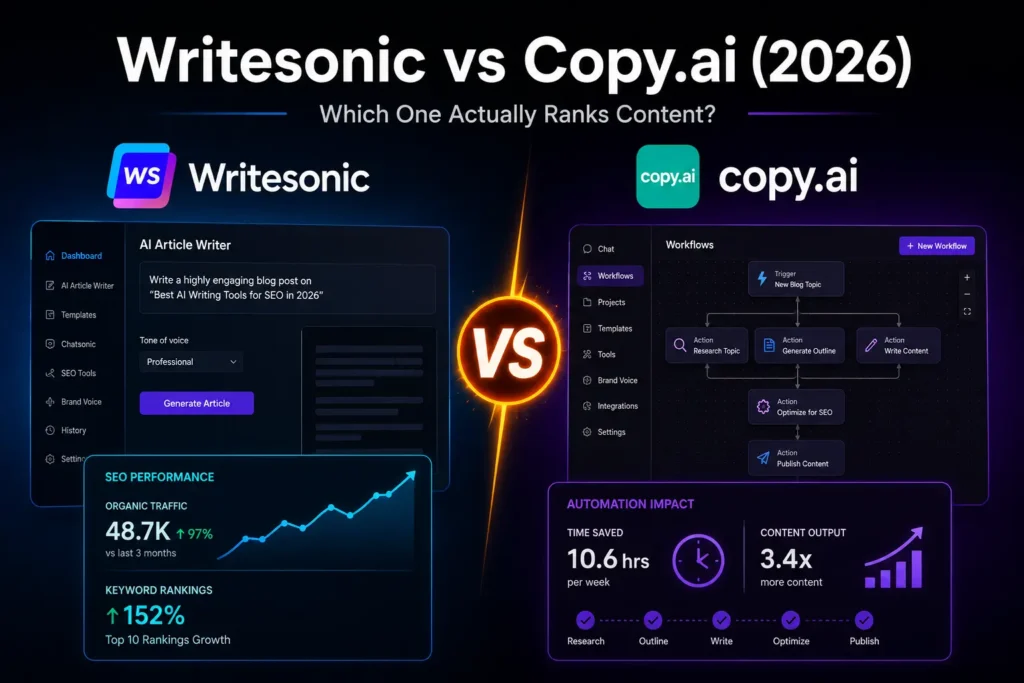
For a detailed side-by-side breakdown of Writesonic vs Copy.ai, the full comparison on reviewmytools covers both tools in depth.
Best AI Tools for Video Creation and Editing
Descript
Best for: Podcast editing, YouTube video editing, transcript-based cuts
Descript changed how I approach video and audio editing. Instead of scrubbing through timelines to locate and cut filler words, you edit the transcript, delete the text, and the video cut happens automatically. For talking-head content and podcasts, nothing currently available comes close.
The AI “remove filler words” feature is more accurate than expected. In one test session, it removed nearly four minutes of “ums” and “ahs” from a 40-minute recording, with only two false cuts that needed manual correction.
Pricing: Free plan available with limited transcription hours. The Creator plan at $24/month includes 30 hours of transcription per month.
Honest downside: Descript is not a replacement for DaVinci Resolve or Premiere Pro. Complex multi-camera edits and anything requiring precise timing control still belong in dedicated NLEs. Descript complements those tools; it doesn’t replace them.
Actionable takeaway: Record your next video, drop it into Descript, and run the “clean up” feature before any other editing. The amount of dead air it removes will change how you record going forward.
Runway ML
Best for: AI video generation, background removal, video-to-video transformation
Runway has become the standard AI video creation tool for creators who want cinematic-looking footage without a production budget. Its Gen-3 model, updated through 2026, produces short video clips from text prompts with noticeably better motion consistency than earlier versions.
For creators producing educational content, explainer videos, or social clips, Runway generates usable b-roll footage on demand. That alone makes it worth testing, even if stock video subscriptions stay in your toolkit for certain use cases.
Pricing: Free trial available. Standard plan at $15/month; Pro at $35/month.
Honest downside: AI-generated video still struggles with hands, faces, and any text that needs to appear in frame. Runway works best for atmospheric, abstract, or environmental footage, not photorealistic scenes featuring people.
Pictory
Best for: Turning blog posts into short videos, repurposing long-form content
Pictory is built for one thing and does it well: converting text content into shareable video clips. Paste your blog post URL, and Pictory extracts key points, pairs them with stock footage or your own clips, and produces a captioned video ready for YouTube Shorts, Instagram Reels, or TikTok.
Pricing: Starter plan at $19/month.
Actionable takeaway: After publishing any blog post, run it through Pictory to produce a 60-second summary video. One article becomes two distinct pieces of content with minimal additional effort.
Best AI Tools for Design and Visual Content
Canva AI (Magic Studio)
Best for: Social media graphics, thumbnails, presentations, brand kits
Canva’s AI suite packaged as Magic Studio is the most accessible design toolset for non-designers producing content at volume. Magic Design generates full layouts from a text prompt. Writes handles captions and short copy. Magic Eraser removes objects from photos. Text to Image produces custom visuals without requiring a Midjourney subscription.
When I’ve compared content from creators using Canva Pro with those working without any design AI, the visual consistency gap is clear. Canva AI doesn’t make someone a designer, but it reliably closes the quality gap on social graphics and thumbnails.
Pricing: Free plan available. Canva Pro at $15/month for individuals.
Honest downside: Templates can start to look alike across accounts, especially in competitive niches where everyone uses the same starting points. Creators who want a genuinely distinctive visual identity eventually need to push past the default template layer.
Midjourney

Best for: Blog featured images, social media art, concept-driven visual content
Midjourney remains the gold standard for AI image generation quality in 2026. Its outputs have a distinctive aesthetic that’s become widely recognized, but its ability to generate highly specific, concept-driven imagery the kind that stock photo libraries simply don’t carry is genuinely valuable for bloggers and content marketers.
A writer covering abstract topics like productivity, personal finance, or creative work can generate featured images that match the article’s specific concept, rather than settling for a stock photo of someone smiling at a laptop in a coffee shop.
Pricing: Basic plan at $10/month. Standard at $30/month for higher image output volume.
Honest downside: Midjourney’s primary interface still runs through Discord, which feels awkward for professional use. A standalone web interface exists but remains limited compared to the Discord experience as of mid-2026.
Adobe Firefly
Best for: Creators in the Adobe ecosystem, commercially safe image generation
Adobe Firefly is trained exclusively on licensed content, making it the safest choice for commercial content creators concerned about copyright exposure. If you’re already inside Photoshop or Premiere Pro, Firefly integrates natively; it doesn’t feel like an external add-on.
Pricing: Included with Adobe Creative Cloud subscriptions. The All Apps plan runs $54.99/month.
Best AI Tools for SEO and Research
Surfer SEO
Best for: Blog content optimization, SERP analysis, NLP-based keyword targeting
Surfer SEO is the tool I’d recommend to any blogger treating search traffic as a primary growth channel. It analyzes the top-ranking pages for your target keyword and assigns a content score based on word count, keyword density, heading structure, and semantic coverage. Write inside Surfer’s editor, and the score updates in real time as you draft.
After running several articles through Surfer’s optimization workflow, ranking improvements were consistent, not immediate, but reliable within 60-90 days of publication.
Pricing: Essential plan at $89/month. Expensive for solo creators, but clearly cost-positive if SEO-driven blog traffic is a primary revenue source.
Honest downside: Surfer’s suggestions can push toward over-optimization if followed mechanically. Treat it as directional guidance, not a checklist to complete line-by-line.
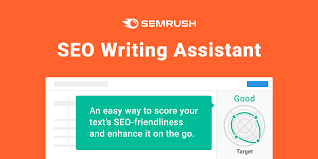
Semrush AI Writing Assistant
Best for: Keyword research, content briefs, SEO-aware drafting
Semrush’s AI Writing Assistant combines keyword data with AI drafting inside one platform. For creators who need SEO research and writing support in the same workflow, it removes the context-switching between tools. The integration is particularly clean for creators who already use Semrush for keyword research.
Pricing: Semrush Pro starts at $139.95/month. Practical for agencies or creators managing multiple client accounts rather than solo operators.
Best AI Tools for Social Media and Distribution
Buffer AI Assistant
Best for: Caption writing, post scheduling, content calendar planning
Buffer’s built-in AI assistant generates social media captions from a topic or post idea, adjusts tone for different platforms (LinkedIn reads differently from Instagram), and recommends posting times based on your specific audience data. It’s not a standalone powerhouse, but it adds real value inside a scheduling tool most creators already use.
Pricing: Free plan available. Essentials plan at $6/month per channel.
ElevenLabs
Best for: AI voiceover for video, narration, multilingual content
ElevenLabs produces the most natural-sounding AI voices available in 2026. For creators who want to produce voiceover content without recording every take in a treated studio, or who want multilingual versions of their videos, ElevenLabs is the clear leader in this category.
I tested it against three competing voice AI platforms. ElevenLabs was the only one where listeners couldn’t reliably identify the output as AI-generated on first listen, a meaningful distinction for anyone using it in professional video content.
Pricing: Free plan available with limited character output. Starter at $5/month; Creator plan at $22/month for higher production volume.
Honest downside: The free tier is genuinely limiting. Any consistent production use requires a paid plan, and the jump from free to paid is noticeable in terms of what becomes accessible.
Which AI Tools Do Professional Content Creators Actually Use?
This is one of the most common questions from newer creators, and the honest answer is simpler than most expect.
Professional creators use a tight stack of three to four tools, not fifteen. The typical setup looks like this:
- One writing AI (ChatGPT or Jasper) for drafts and ideation
- One design tool (Canva AI) for all visual content
- One video or audio tool (Descript, Runway, or ElevenLabs, depending on content format)
- One SEO or distribution tool (Surfer SEO for bloggers, Buffer for social-first creators)
The creators producing the most consistent, high-quality content aren’t using every tool available. They’ve found a workflow that fits their production style, built habits around it, and stuck with it. AI tool-hopping is a real productivity trap that looks like optimization but functions like avoidance.
Are AI Tools for Content Creators Worth the Money?
Worth it for most creators with conditions attached.
If you’re publishing consistently (three or more pieces of content per week across any format) and your time has real monetary value, the math is straightforward. A $20/month ChatGPT Plus subscription that saves you three hours of writing time per week returns its cost in the first few days.
The calculation changes for beginners. If you’re still developing your niche, finding your voice, or publishing once a month, AI tools can actually slow you down. You’ll spend more time learning to prompt effectively than you save in production.
Start with one free tool, ChatGPT’s free tier or Canva’s free plan, and use it consistently for 30 days. Pay for an upgrade only when you’ve clearly hit the limits of what the free version offers. That threshold tells you the tool is actually part of your workflow, not just something you’re experimenting with.
Frequently Asked Questions
The best AI tool for content creation depends on your format. Like writing, ChatGPT and Jasper are the strongest options. For video editing, Descript and Runway lead the field. For design, Canva AI is the most practical choice. Most professional creators combine three to four tools covering different production stages rather than relying on a single all-in-one platform.
Professional content creators typically use a focused stack of three to four tools rather than experimenting with every new release. A common setup includes ChatGPT or Jasper for writing, Canva AI for design, Descript or ElevenLabs for audio and video, and Surfer SEO or Buffer for optimization and distribution. A smaller, consistent stack consistently outperforms a bloated toolkit.
For creators publishing three or more pieces of content per week, AI tools for content creators almost always justify their cost. A $20-$40 monthly spend that saves five or more hours of production time pays for itself quickly. For beginners publishing infrequently, free tiers from ChatGPT and Canva AI are sufficient until your output volume makes upgrading an obvious decision.
ChatGPT is more flexible and handles research, ideation, and varied writing tasks well. Jasper is stronger for long-form blog content and maintaining brand voice consistency across multiple pieces. If you’re a blogger publishing regularly who needs AI output that sounds like you, Jasper is the better choice. If you need a general-purpose creative writing tool, start with ChatGPT.
This is a widespread misconception worth addressing directly. AI tools excel at drafting, formatting, and repurposing content, but they can’t replicate original perspective, lived experience, or the authentic audience connection that keeps people subscribed. Creators at genuine risk aren’t those who use AI; they’re those who refuse to adapt to it. AI handles production tasks; human judgment shapes what’s worth producing and why.
What to Do With This List Right Now
The best AI tools for content creators in 2026 offer real, measurable advantages: faster production, more consistent quality, and more time for the creative decisions that actually grow an audience.
Pick one tool from this list that addresses your biggest current bottleneck. Writing takes too long? Try ChatGPT or Jasper this week. Visuals look inconsistent? Start with Canva AI’s free plan. Video editing is your time drain? Test Descript’s free tier before your next upload.
One tool mastered beats ten tools half-learned every time. Build a habit around your first pick for 30 days, measure the actual time saved, then add the next layer. The best AI tools for content creators are only as useful as the workflows you build around them, and the creators who figure that out first are the ones pulling ahead right now.
If budget is the constraint, the full guide to AI tools under $10 per month on reviewmytools covers affordable options that won’t strain an early-stage creator’s finances.